Stars, bags and item placement
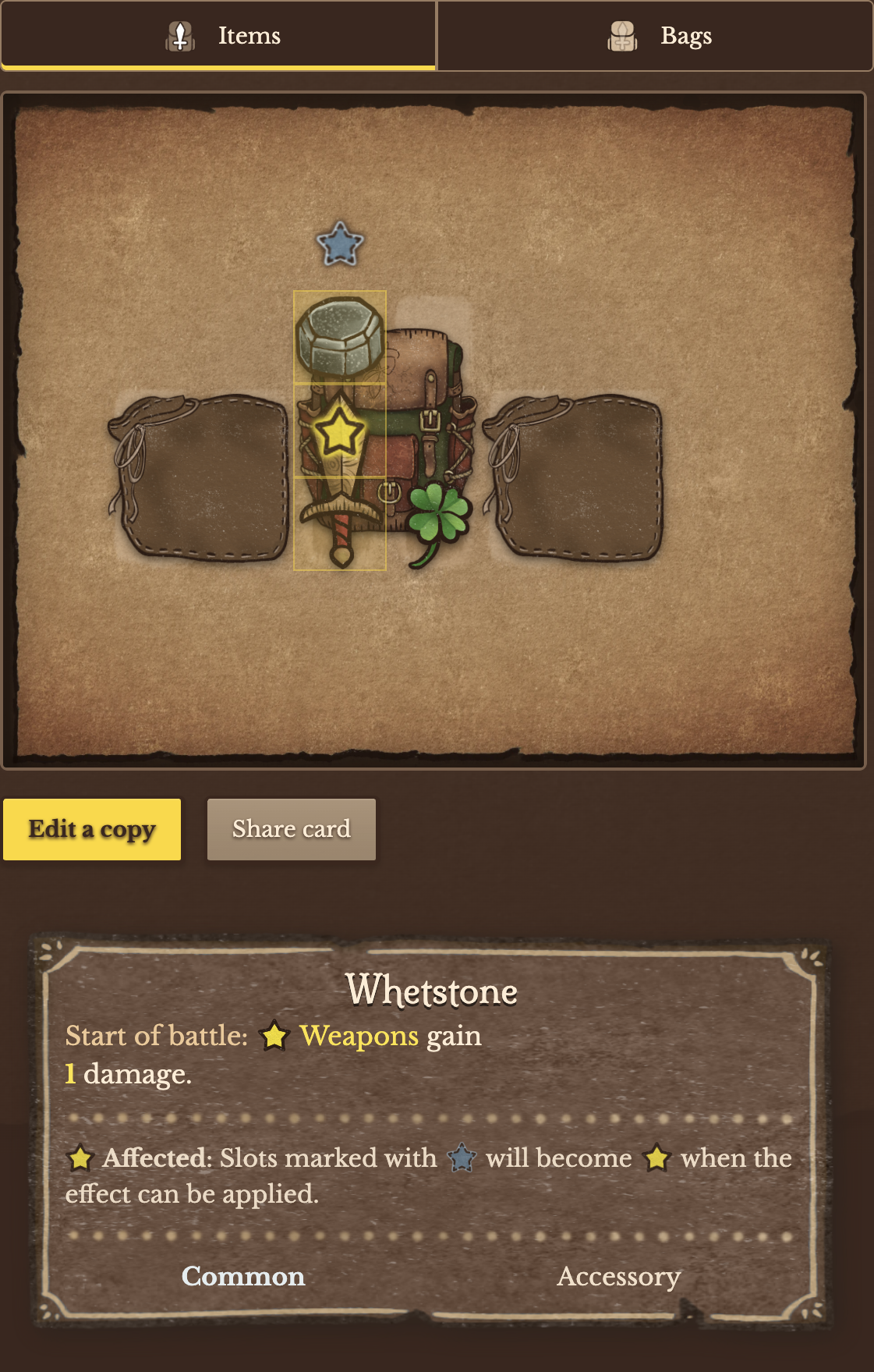
An item affects the squares marked by its own stars. The pattern and the target rule belong to that item: there is no universal five-square star pattern. A square can be in range without the item on it being a valid target.
Shape and direction
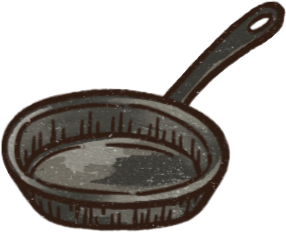
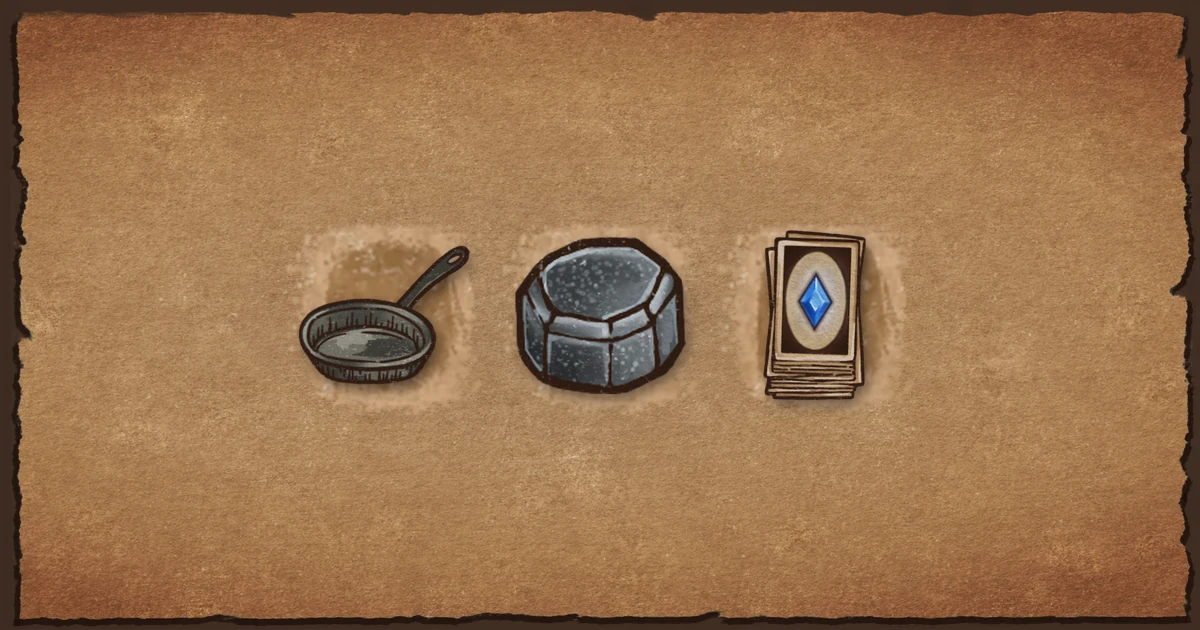
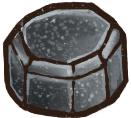
Most star patterns turn when their item rotates. Potions have a special rule for the square above the bottle, so inspect the resulting pattern rather than assuming every field turns the same way. Pan checks for Food, while Whetstone looks for weapons. Position and target type both matter.
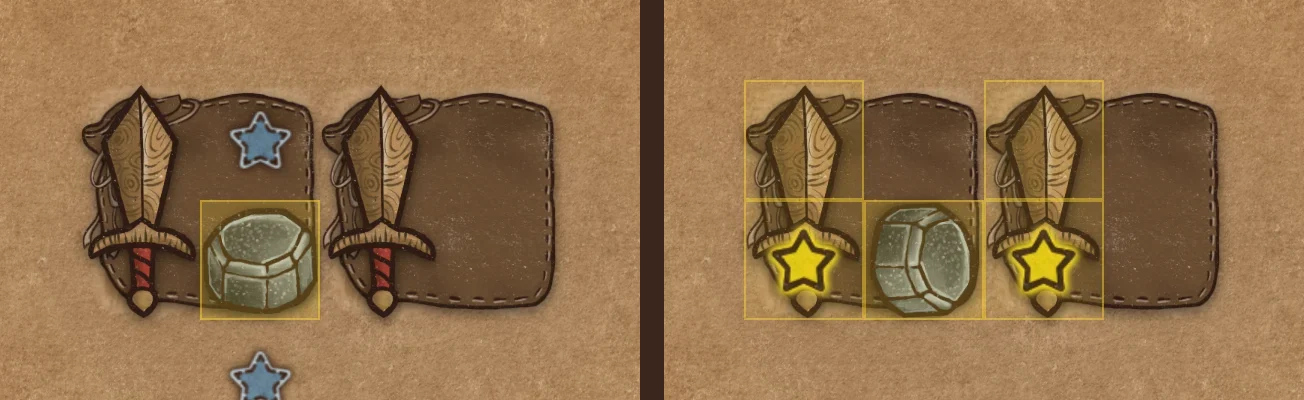
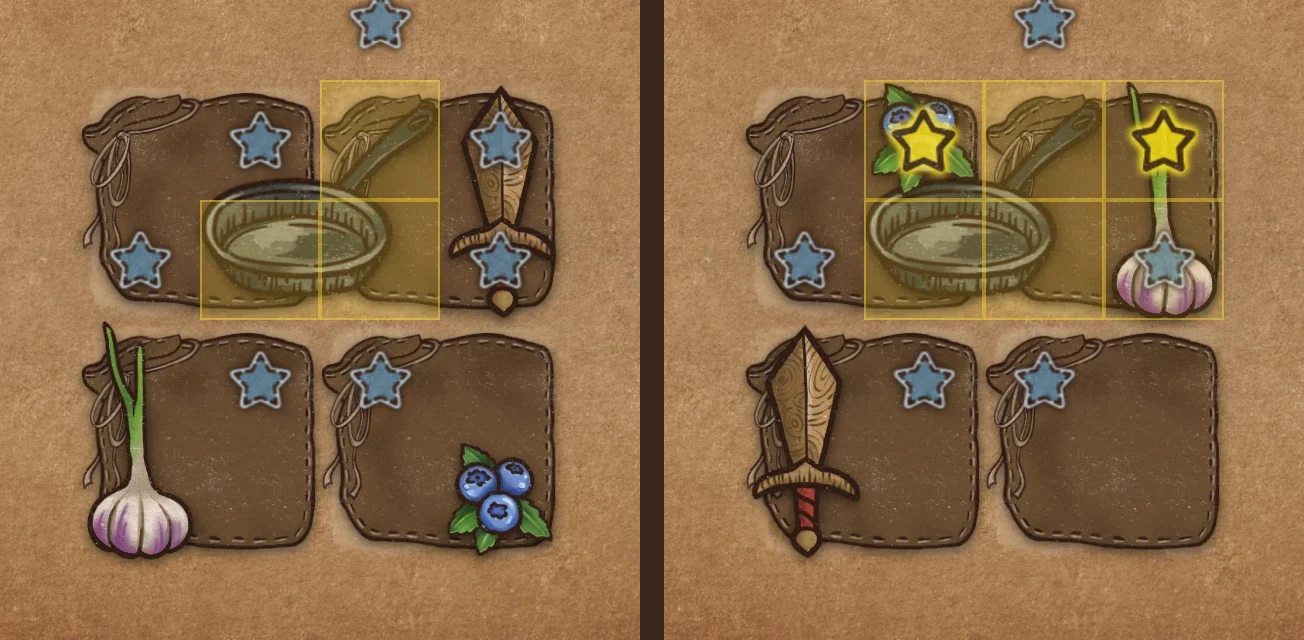
Bags share the same backpack
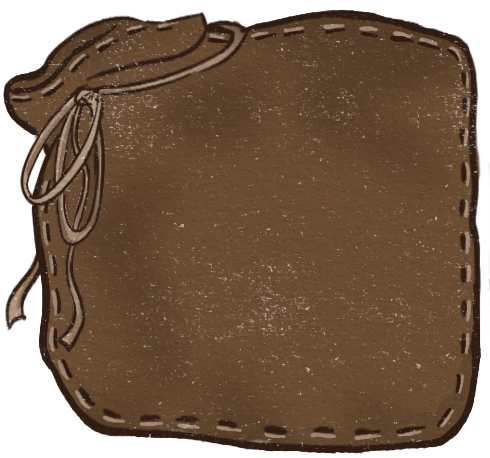
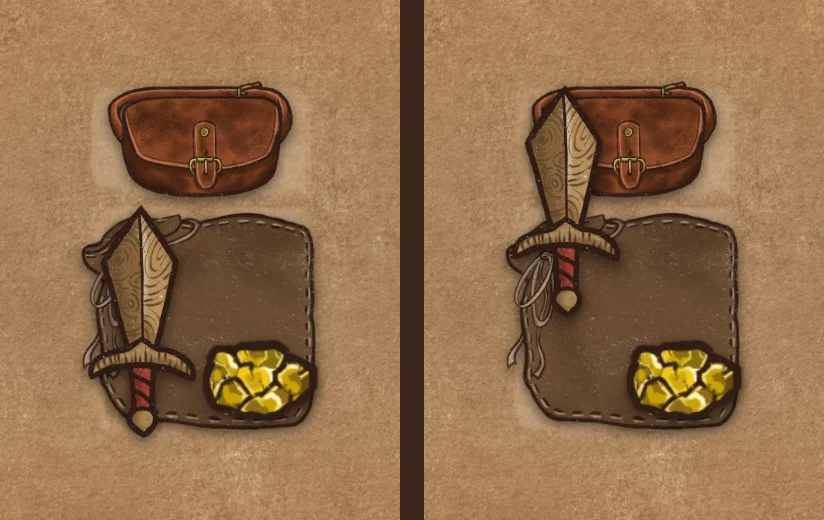
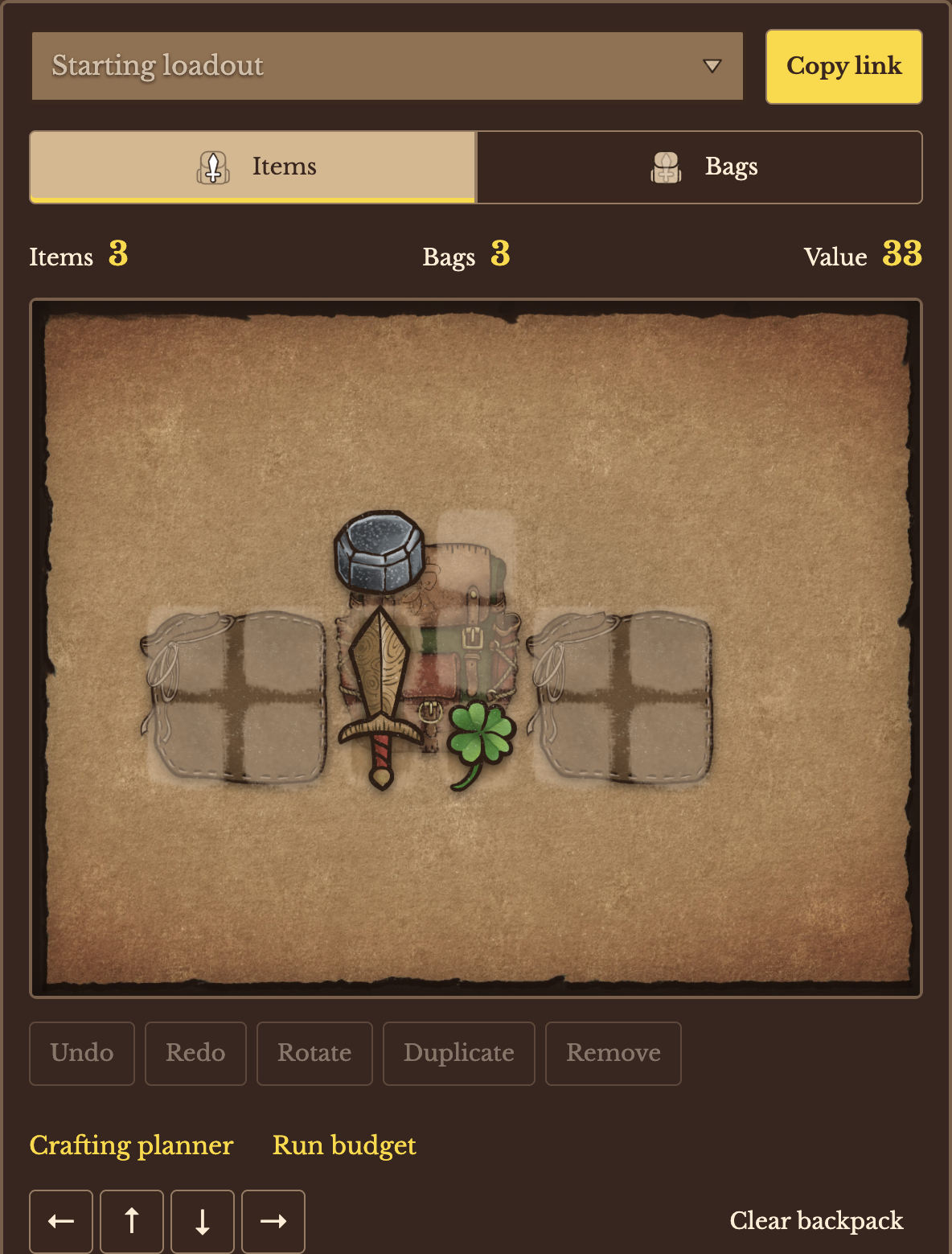
The backpack is one 9×7 grid. Bags provide space beneath items; they do not create isolated inventories, and stars can reach across bag boundaries. A bag's inside effect is different from a star field: it applies its own rule to items occupying its region. Use the bag layer to select a bag underneath equipment.
Count the right thing
Several stars touching one item usually still identify one target. Other effects count different item types, overlapping squares or empty bag slots instead. An empty-slot bonus counts a bag square without an item, not bare space outside the bags. Deck of Cards and Playing Card items also depend on their chain.
Open the build editor, choose an item and compare its outgoing effects with the effects reaching it. Rotate or move it before spending space on another copy.
Where a gem sits
Regular Topaz does nothing while it is loose and not placed in the backpack. Placed in the backpack, outside a socket, it adds 0.20 stamina per second. In a weapon socket it adds 0.20 speed to that weapon, not stamina regeneration. In another item's socket it adds a 20% chance to resist stuns and a 10% chance to resist critical hits. Those socket numbers are for a gem power of 1, which is where the gem starts each time you enter the shop. Cooldowns, buff ticks and fatigue uses the stamina number in the fight.

A star is not the result of the fight
A star shows which squares and items an effect can reach. It does not record who won. Read Cooldowns, buff ticks and fatigue for stamina, shields and the cubes, and check a layout in the build editor.